I have been writing content professionally for over eight years. In that time, I have watched the industry shift dramatically. The biggest shift happened when AI writing tools entered the picture.
At first, I was skeptical. I thought these tools would produce robotic, generic text. I kept asking myself: can a machine really understand what a writer needs?
So I decided to test them myself. I spent months using these tools daily, across different content types: blog posts, ad copy, social media, research articles, and fiction. I tracked what each tool did well, where it failed, and whether it was worth the money.
This article is the result of that research. I am sharing my honest, experience-backed reviews of the best 10 AI writing tools available right now.
| Quick Tip: You do not need to use just one AI writing tool. Many expert writers combine two or three tools for different stages of their writing process. |
Why Content Writers Need AI Writing Tools
Writing at scale is hard. Producing high-quality content consistently, under tight deadlines, while keeping up with SEO requirements, audience preferences, and editorial standards is genuinely exhausting.
That is where AI writing tools come in. The best AI writing software does not replace your creativity. It removes friction. It handles the repetitive parts of writing so you can focus on what you do best: thinking, structuring, and refining ideas.
Here is what a good AI writing assistant can do for you:
- Overcome writer’s block instantly
- Generate first drafts in minutes instead of hours
- Suggest better phrasing and sentence structure
- Help you write in a consistent brand voice
- Research and summarize topics faster
- Check grammar, tone, and clarity in real time
Now let me walk you through my top 10 picks.
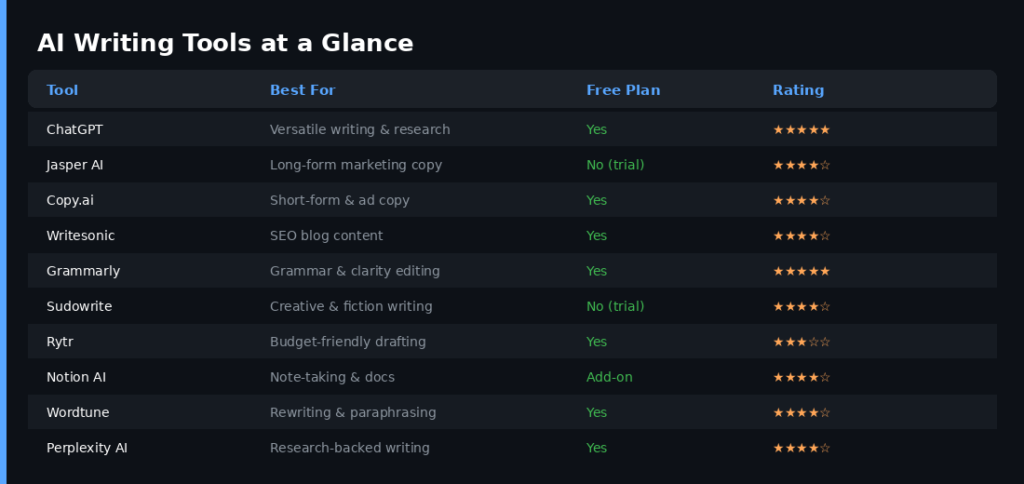
A quick comparison of all 10 AI writing tools covered in this review
The Best 10 AI Writing Tools: In-Depth Reviews
1. ChatGPT
The All-Rounder AI Writing Assistant That Redefined the Category
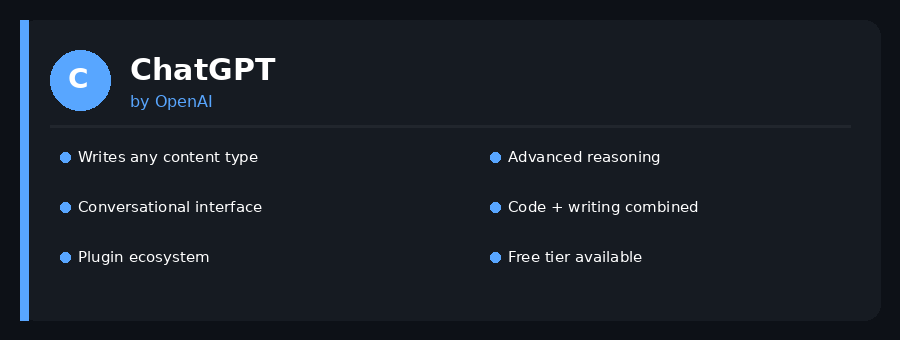
ChatGPT: A leading AI writing tool reviewed in detail
ChatGPT is the tool that started it all for me. When OpenAI launched it in late 2022, I spent an entire weekend just exploring what it could do. I was genuinely shocked by how good it was at writing.
What makes ChatGPT so powerful as an AI writing tool is its conversational interface. You do not fill out a form and click generate. You have a dialogue. You can say ‘make this shorter,’ ‘add a statistic here,’ or ‘rewrite this in a more casual tone,’ and it understands you immediately.
I use ChatGPT mostly for two things: brainstorming content ideas and drafting outlines. It is my go-to for the early stages of any writing project. The GPT-4o model, which powers the premium version, produces impressively nuanced text that feels close to human writing.
The free tier runs on GPT-3.5, which is decent but noticeably less capable. If you are serious about using ChatGPT as an AI content writer, the Plus plan is worth it.
One limitation I ran into often is that ChatGPT does not browse the internet by default (unless you enable web search). This means it can sometimes produce outdated information for research-heavy content. Always fact-check what it writes.
| Pros | Cons |
| + Free tier available | – Can produce confident but wrong facts |
| + Conversational and intuitive | – Free version limited to GPT-3.5 |
| + Works for any content type | – No built-in SEO features |
| + Supports code, images, and documents | – Context window limits in long chats |
| + Strong reasoning and logic |
Pricing: Free (GPT-3.5). ChatGPT Plus costs $20/month for GPT-4o access. Team plans available for $25/user/month.
Best For: Writers who need a versatile AI writing assistant for all content types, from blog posts to emails to creative writing.
2. Jasper AI
The Premium Long-Form Content Machine for Marketing Teams
Jasper AI: A leading AI writing tool reviewed in detail
Jasper AI is the tool I recommend most often to marketing writers and content teams. It is purpose-built for content creation, which makes it feel more focused than general-purpose AI tools like ChatGPT.
What sets Jasper apart is its Brand Voice feature. You can train Jasper on your existing content, and it will learn to write in your specific style and tone. For agencies and content teams managing multiple brands, this is a game-changer.
I tested Jasper for a month on long-form content: 2,000-word blog posts, product descriptions, and pillar pages. The output was consistently good. It did not require as much editing as I expected. The Blog Post Wizard template, in particular, is excellent. It takes you from topic to final draft in a structured way.
Jasper also has an SEO mode that integrates with SurferSEO. If you write a lot of SEO content, this combination is very powerful.
The major downside is cost. Jasper is one of the more expensive AI writing tools on this list. It does not offer a free plan, only a trial. But for content teams with serious output requirements, the ROI is real.
| Pros | Cons |
| + 100+ writing templates | – No free plan, only 7-day trial |
| + Brand voice training | – Expensive for solo writers |
| + SurferSEO integration | – Occasional repetitive phrasing |
| + Team collaboration features | – Requires some learning curve |
| + Produces quality long-form drafts |
Pricing: Creator plan starts at $49/month. Pro plan from $69/month. Business plans are custom-priced.
Best For: Marketing writers, content agencies, and teams producing high-volume, long-form content regularly.
3. Copy.ai
The Best Free AI Writing Tool for Short-Form and Ad Copy
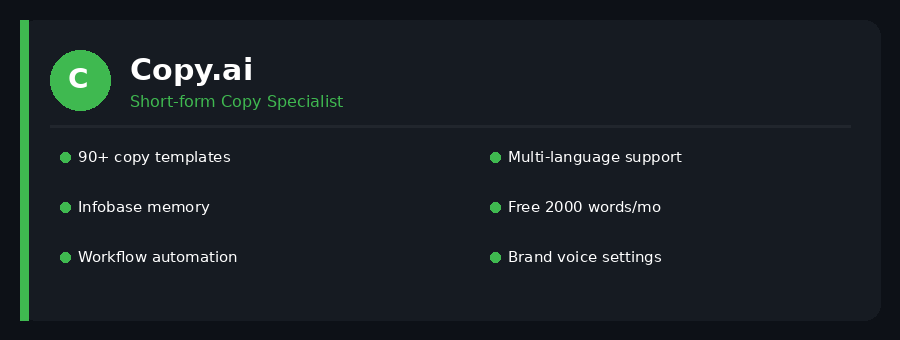
Copy.ai: A leading AI writing tool reviewed in detail
If you are a freelance writer or a small business owner who needs short-form copy without spending a lot, Copy.ai is the tool I would send you to first.
Copy.ai has one of the most generous free plans in this category. You get access to over 90 writing templates, unlimited projects, and around 2,000 words per month at no cost. That is enough to test the tool seriously before committing to a paid plan.
I have used Copy.ai heavily for ad copy, email subject lines, product descriptions, and social media captions. It is fast and snappy. The quality for short-form content is genuinely impressive. Where it starts to struggle is with longer content. Articles beyond 1,000 words tend to feel stitched together rather than cohesive.
The Infobase feature is something I really appreciate. It is like a brand memory vault. You store key information about your company, product, or client, and Copy.ai references it automatically when generating copy. This saves a huge amount of time.
In 2024, Copy.ai also launched workflow automation, which allows you to create multi-step AI-powered content workflows. This is a big upgrade for teams.
| Pros | Cons |
| + Generous free plan | – Weaker on long-form content |
| + 90+ templates | – Free plan has word limits |
| + Infobase brand memory | – Less nuanced than Jasper for blogs |
| + Fast short-form output | – Occasional repetition in output |
| + Workflow automation |
Pricing: Free plan available. Starter plan at $36/month. Advanced plan from $186/month.
Best For: Freelancers, marketers, and small businesses needing quick, quality short-form content and ad copy.
4. Writesonic
The SEO-Focused AI Content Writer with Built-In Research
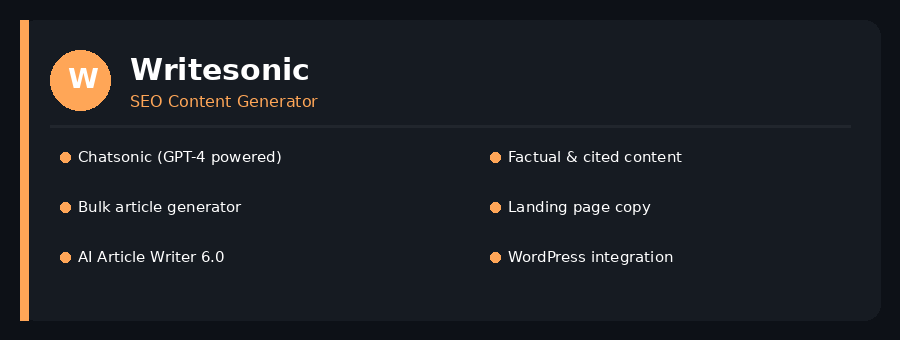
Writesonic: A leading AI writing tool reviewed in detail
Writesonic is the AI writing tool I reach for when the brief demands SEO-optimized, factually grounded content. It has evolved rapidly over the past two years and is now one of the most capable platforms in this space.
The standout feature is Chatsonic, which is essentially a ChatGPT-like interface powered by GPT-4, but with real-time web access enabled by default. When I need to write about recent events or fast-changing topics, Chatsonic saves me significant research time.
The AI Article Writer 6.0 is another highlight. You enter a keyword, configure your preferences, and it produces a structured, SEO-friendly article with headings, an introduction, and a conclusion. The output needs editing, but the bones are good.
Writesonic also integrates with Surfer SEO and has a built-in keyword research element. For writers whose income depends on ranking content, this is a meaningful advantage.
I found the quality slightly inconsistent across different content types. It performs best on informational blog posts and product descriptions. For creative or narrative writing, other tools do better.
| Pros | Cons |
| + Real-time web access via Chatsonic | – Quality inconsistent across formats |
| + Strong SEO content features | – Can feel template-heavy |
| + Bulk article generation | – UI can be overwhelming initially |
| + Surfer SEO integration | – Some plans have word credit limits |
| + Free plan with decent limits |
Pricing: Free plan available (10,000 words/month). Individual plans from $20/month. Teams from $19/user/month.
Best For: SEO writers, content marketers, and bloggers who need research-backed, keyword-optimized content at scale.
5. Grammarly
The Gold Standard AI Writing Assistant for Quality and Clarity
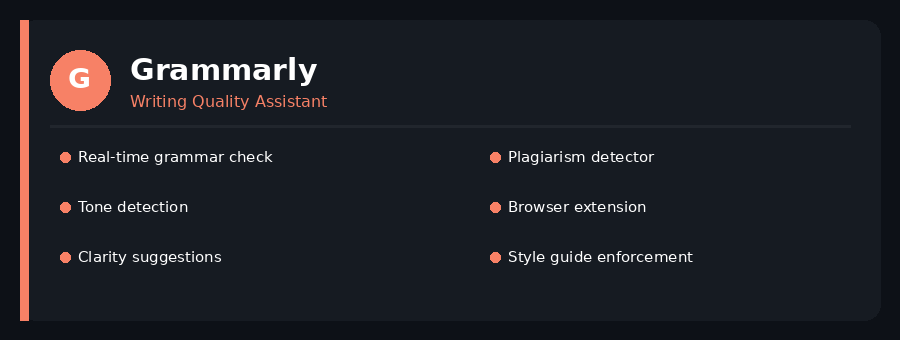
Grammarly: A leading AI writing tool reviewed in detail
Every single writer I know uses Grammarly. It has been part of my workflow for years, and the AI upgrades it has received recently have made it significantly more powerful.
Grammarly works differently from most tools on this list. It does not generate content from scratch. Instead, it sits alongside your writing process and constantly improves what you write. Think of it as a co-editor rather than a co-writer.
The real-time grammar and style suggestions are, in my experience, the best in the industry. But what I value more is the Tone Detection feature. Grammarly analyses the emotional tone of your writing and tells you how your reader is likely to feel reading it. For persuasive content and professional emails, this is invaluable.
The Premium plan unlocks clarity rewrites, which are essentially AI-powered sentence improvements. You click a suggestion and Grammarly rewrites the sentence to be clearer. This alone speeds up editing significantly.
Grammarly Business includes a Style Guide feature that enforces company-wide writing standards. I helped a content team implement this, and it dramatically reduced editing cycles.
| Pros | Cons |
| + Best-in-class grammar checking | – Does not generate content from scratch |
| + Tone and clarity detection | – Premium plan is relatively pricey |
| + Works everywhere via browser extension | – Can be overly cautious with suggestions |
| + Style guide for teams | – Does not replace a human editor fully |
| + Plagiarism detector included |
Pricing: Free plan available. Premium at $12/month (annual). Business plans from $15/user/month.
Best For: All writers who want to improve the quality, clarity, and professionalism of everything they write.
6. Sudowrite
The Creative Fiction Writer’s Secret Weapon
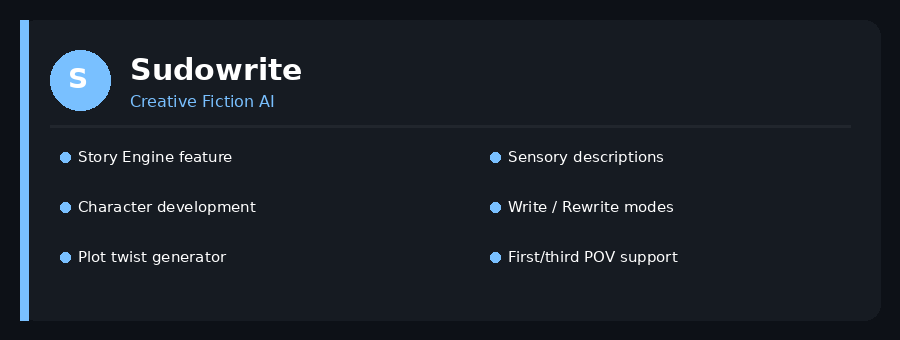
Sudowrite: A leading AI writing tool reviewed in detail
Sudowrite is the only AI writing tool on this list built specifically for creative and fiction writing. If you write novels, short stories, screenplays, or any form of narrative content, Sudowrite is in a category of its own.
I tested Sudowrite extensively on a short story project. The difference in output quality compared to general AI writing tools was striking. Sudowrite understands narrative craft. It writes sensory descriptions, generates realistic dialogue, and maintains character voice in a way that ChatGPT simply does not do as consistently.
The Story Engine is the core feature. It acts like a co-author who helps you plan your plot, develop your characters, and write chapter by chapter. You can define your story’s world, your protagonist, and key plot beats, and Sudowrite builds on that foundation intelligently.
The Write and Rewrite modes are simple but powerful. Write generates the next section of your story based on context. Rewrite gives you multiple alternative versions of a passage you are not happy with. Both modes are highly useful.
Sudowrite is not for everyone. If you write non-fiction or marketing content, it is the wrong tool. But for fiction writers, it is the best AI writing software available by a wide margin.
| Pros | Cons |
| + Purpose-built for creative writing | – Not suitable for non-fiction or SEO writing |
| + Story Engine for full narrative development | – No free plan |
| + Excellent character and dialogue generation | – Relatively niche use case |
| + Sensory and descriptive writing | – Smaller template library |
| + Multiple rewrite variations |
Pricing: Hobby plan at $19/month (45,000 words). Professional at $44/month. Max plan at $99/month.
Best For: Fiction writers, novelists, screenwriters, and anyone working on creative narrative projects.
7. Rytr
The Most Affordable AI Writing Tool for Everyday Content
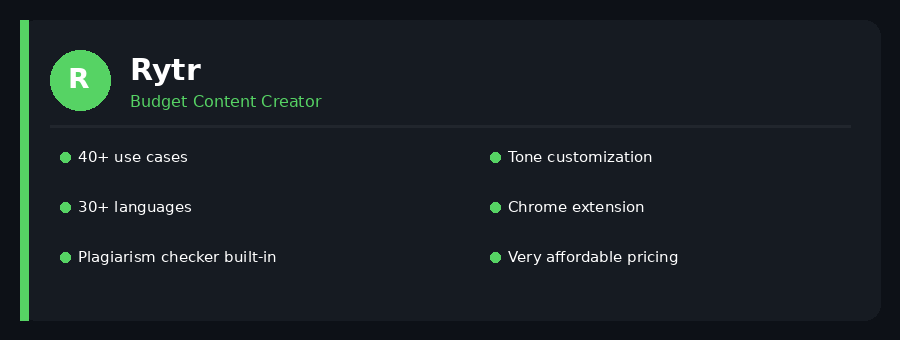
Rytr: A leading AI writing tool reviewed in detail
If you are just starting out as a content writer and you do not want to spend much, Rytr is the tool I would point you toward first. It offers an impressive range of features at a price point that is hard to beat.
Rytr supports over 40 use cases and 30 languages. You can write blog intros, email replies, product descriptions, interview questions, cover letters, and much more from one interface. The free plan gives you 10,000 characters per month, which is a meaningful amount for a new writer.
The quality of output falls somewhere between the budget tier and the premium tier. It is better than what most free tools produce, but it does not match the depth and nuance of Jasper or ChatGPT Plus. That said, for most everyday content tasks, it gets the job done.
One thing I genuinely like about Rytr is the built-in plagiarism checker. Most tools in this price range do not include this. For writers who deliver content to clients, being able to verify originality without a separate tool is convenient.
Rytr also has a Chrome extension and integrates with Semrush. These small additions make it feel more complete than its price suggests.
| Pros | Cons |
| + Very affordable pricing | – Output quality not on par with premium tools |
| + 40+ use cases covered | – Limited customization for brand voice |
| + 30+ language support | – Not ideal for long-form or SEO content |
| + Plagiarism checker built in | – Interface feels basic |
| + Good for everyday writing tasks |
Pricing: Free plan (10,000 chars/month). Saver plan at $9/month. Unlimited plan at $29/month.
Best For: Beginner content writers, students, and anyone who needs quick, affordable AI writing on a tight budget.
8. Notion AI
The Smart Writing Assistant Embedded Right in Your Workspace
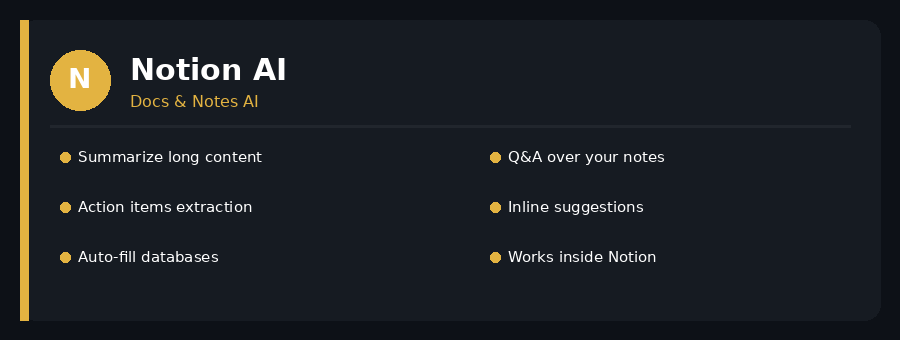
Notion AI: A leading AI writing tool reviewed in detail
Notion AI is not a standalone AI writing tool. It lives inside Notion, the popular note-taking and project management app. If you already use Notion to organize your writing projects, adding Notion AI to your workflow is a natural and powerful upgrade.
The biggest advantage of Notion AI is context. Because it lives inside your documents and notes, it can actually read what you have written and build on it. You can ask it to summarize a meeting note, extract action items, expand a rough idea into a full draft, or answer questions based on your stored knowledge.
I use Notion AI primarily for two tasks: summarizing research notes before writing and generating first-draft outlines from brief bullet points. Both of these tasks it handles very well.
The writing quality is solid but not groundbreaking. It is powered by a combination of AI models, and the output is generally coherent and useful. Where it really shines is in the seamless integration with your existing Notion workspace. You do not switch apps. You just press the space bar and start typing your prompt.
If you are not a Notion user, there is little reason to adopt the app just for the AI features. But if Notion is already your second brain, the AI add-on is absolutely worth it.
| Pros | Cons |
| + Lives inside your Notion workspace | – Only useful if you already use Notion |
| + Understands your existing notes and docs | – Requires Notion AI add-on purchase |
| + Great for summarizing and outlining | – Not ideal for standalone content creation |
| + No context switching required | – No dedicated SEO features |
| + Handles tables and databases too |
Pricing: Notion AI add-on costs $10/user/month, on top of your existing Notion plan.
Best For: Content writers who already use Notion for project management and want AI assistance built into their workflow.
9. Wordtune
The Best AI Tool for Rewriting and Improving Existing Content
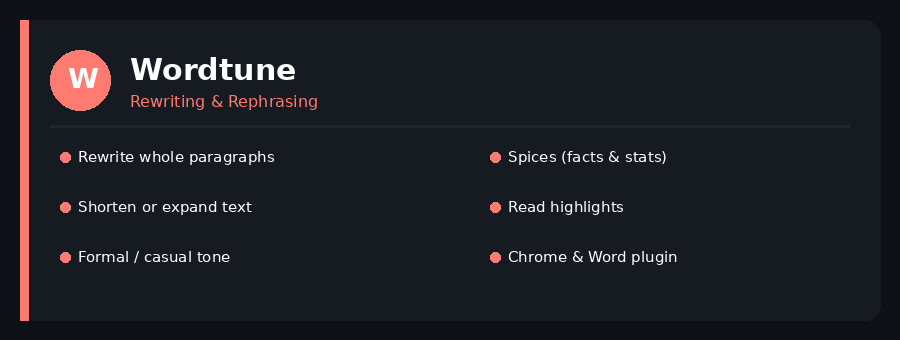
Wordtune: A leading AI writing tool reviewed in detail
Wordtune occupies a unique niche among AI writing tools. It is not primarily a content generator. It is a content improver. Its core job is to take what you have already written and make it better.
I use Wordtune at the editing stage of my writing process. After I have a full draft, I run it through Wordtune to tighten sentences, adjust tone, and catch awkward phrasing. It is remarkably good at this.
The Rewrite feature is the centerpiece. Highlight any sentence or paragraph, and Wordtune gives you multiple rewritten alternatives in different lengths and tones. You can choose a more casual version, a more formal one, a shorter one, or an expanded version. This flexibility is genuinely useful.
Wordtune Spices is a lesser-known but excellent feature. It can insert relevant facts, statistics, examples, and analogies into your content. For writers who want to add depth to their articles without spending time on research, this is a meaningful time-saver.
The Chrome extension and Microsoft Word plugin mean Wordtune follows you wherever you write. This convenience factor is underrated. The tool also has a Read mode that highlights key points in long articles, which is helpful for research.
| Pros | Cons |
| + Best-in-class rewriting capabilities | – Not built for generating content from scratch |
| + Multiple tone and length options | – Spices can occasionally be inaccurate |
| + Spices feature adds facts and stats | – Free plan has daily usage limits |
| + Chrome and Word plugin available | – Less useful for long-form creation |
| + Great for editing existing drafts |
Pricing: Free plan available (10 rewrites/day). Premium at $13.99/month. Unlimited at $19.99/month.
Best For: Writers who want to improve, edit, and refine existing drafts rather than generate new content from scratch.
10. Perplexity AI
The Research-First AI Writing Tool That Cites Every Source
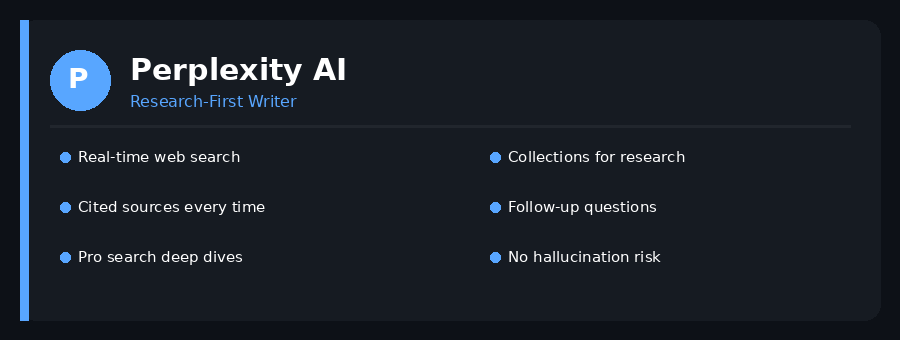
Perplexity AI: A leading AI writing tool reviewed in detail
Perplexity AI is the tool I turn to when accuracy matters more than anything else. It is technically a research engine, but it has become a core part of my AI writing toolkit for any content that requires factual reliability.
What makes Perplexity different is simple: every answer it gives comes with cited sources. You can verify every claim it makes. This eliminates the hallucination problem that plagues other AI writing tools. ChatGPT might confidently tell you something wrong. Perplexity will point you to the original source.
I use Perplexity at the research stage of my content workflow. I ask it complex questions, it gives me detailed answers with references, and I use those insights to inform my writing. It saves me hours of manual research every week.
The Pro Search feature goes even deeper. It asks clarifying questions before answering, searches more sources, and delivers significantly more detailed responses. For research-heavy articles, whitepapers, or fact-intensive content, Pro Search is excellent.
Perplexity is not a traditional AI content writer. It does not generate formatted blog posts or marketing copy on its own. But paired with a tool like ChatGPT or Jasper, it creates a research-plus-writing workflow that is remarkably powerful and accurate.
| Pros | Cons |
| + Every answer is source-cited | – Not a standalone content generator |
| + Real-time web search by default | – Works best when paired with another tool |
| + Pro Search for deep research | – Pro Search limited on free plan |
| + Collections for organized research | – Less useful for creative writing |
| + Eliminates AI hallucinations on facts |
Pricing: Free plan available. Perplexity Pro at $20/month with enhanced search limits.
Best For: Writers who prioritize factual accuracy and need a research AI that cites its sources reliably.
How to Choose the Right AI Writing Tool for You
After testing all ten tools, I have landed on a simple framework for choosing the right one. It comes down to three questions.
1. What type of content do you write most?
If you write blog posts and SEO content, start with ChatGPT, Writesonic, or Jasper. If you write fiction, go straight to Sudowrite. If you write short-form copy and ads, Copy.ai is your best bet. If you are editing more than generating, Wordtune and Grammarly are essential.
2. What is your budget?
Rytr and Copy.ai offer the best free and low-cost tiers. ChatGPT’s free version is also excellent for getting started. Jasper and Sudowrite are premium-priced tools best suited to writers who use AI every day.
3. Do you need research or just writing?
If your content requires factual accuracy and cited sources, add Perplexity AI to your toolkit regardless of which writing tool you use. It is that useful.
| Pro Writer Tip: The best setup I have found is: Perplexity for research, ChatGPT for drafting, and Grammarly for final editing. These three tools together cost under $35/month and cover every stage of professional content writing. |
Frequently Asked Questions (FAQs)
1. Is ChatGPT the best AI writing tool for content writers?
ChatGPT is the most versatile AI writing tool available, and it is excellent for most writing tasks. However, ‘best’ depends on your specific needs. For SEO content, Writesonic or Jasper may serve you better. For editing and quality improvement, Grammarly is unmatched. ChatGPT is the best starting point because of its flexibility and strong free tier.
2. Can AI writing tools replace human content writers?
No, and I say this as someone who uses these tools every single day. AI writing tools are powerful assistants, but they lack genuine insight, original perspective, and the ability to connect with readers emotionally the way a skilled human writer does. The best use of AI in writing is to handle the mechanical parts of the process so you can focus your creative energy on the parts that truly require human judgment.
3. Are there free AI writing tools that are actually good?
Yes. ChatGPT’s free tier (GPT-3.5) is genuinely useful for brainstorming and drafting. Grammarly’s free plan is excellent for grammar and clarity. Copy.ai’s free plan covers 2,000 words per month with access to most of its templates. Rytr offers 10,000 characters per month free. All four are worth trying before spending anything.
4. Will AI-generated content rank on Google?
Google’s official position is that it rewards high-quality content, regardless of how it was created. AI-generated content that is helpful, accurate, and written for humans can and does rank well. However, low-quality, spun, or keyword-stuffed AI content will not rank and may be penalised. The key is to use AI tools to assist your writing, not to skip the human editorial layer entirely.
5. How do I avoid AI writing tools producing inaccurate information?
This is the most important practical concern with AI writing. My approach is to always use Perplexity AI or enable web search in ChatGPT for any factual claims. Treat every statistic, date, or specific claim an AI generates as unverified until you check it against a reliable source. Use AI for structure and language, but own the fact-checking process yourself. That is what separates professional AI-assisted writing from careless AI-generated content.
Final Thoughts
I started this review skeptical of AI writing tools. Years later, I can say without hesitation: the right AI writing software genuinely makes you a better, faster, and more productive writer. The key word is ‘right.’
Not every tool works for every writer. The ten tools I have covered in this article represent the best the market has to offer right now, each for a specific purpose and type of writer.
My honest recommendation is to start with ChatGPT’s free plan and Grammarly’s free plan. These two tools together cover most of what a content writer needs. If you find yourself needing more, you will have a clear sense by then of which direction to go.
AI writing is not the future. It is the present. The writers who learn to use these tools well today will have a significant advantage tomorrow.
| Key Takeaway: The goal of using AI writing tools is not to write less. The goal is to think more, create more, and produce your best work more consistently. Use these tools as a creative partner, not a replacement. |